Best React.js Boilerplates with Authentication


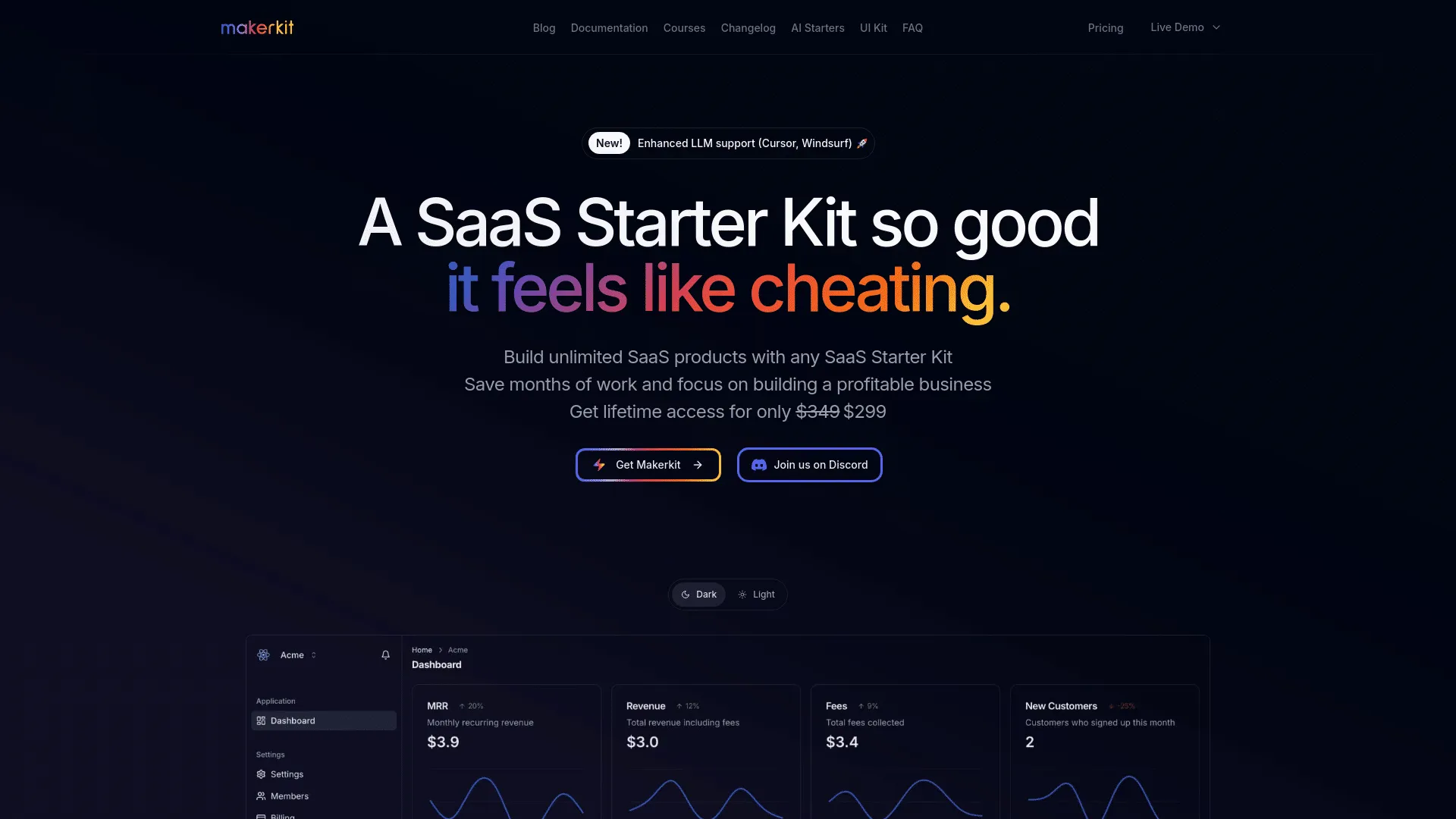


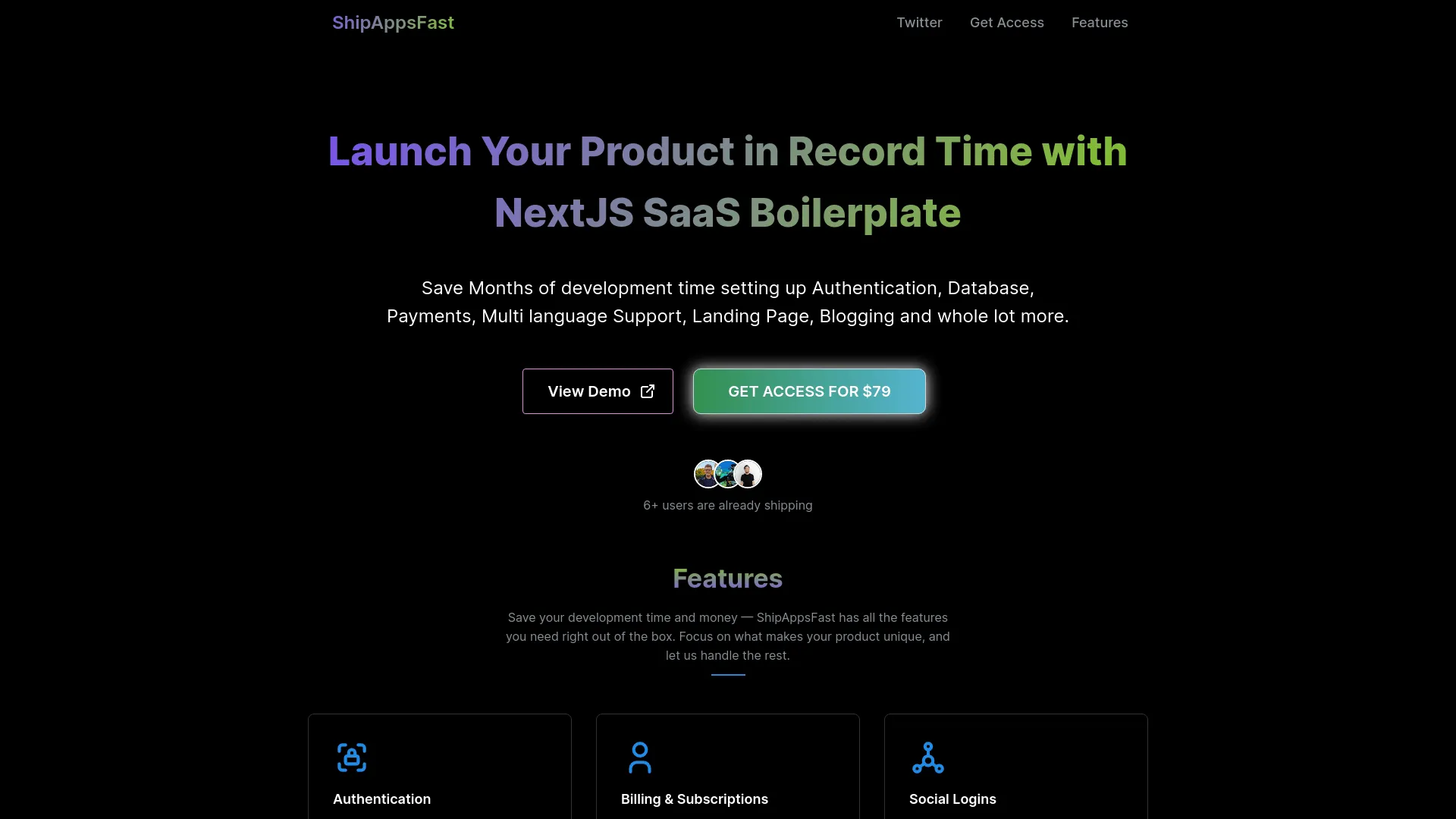
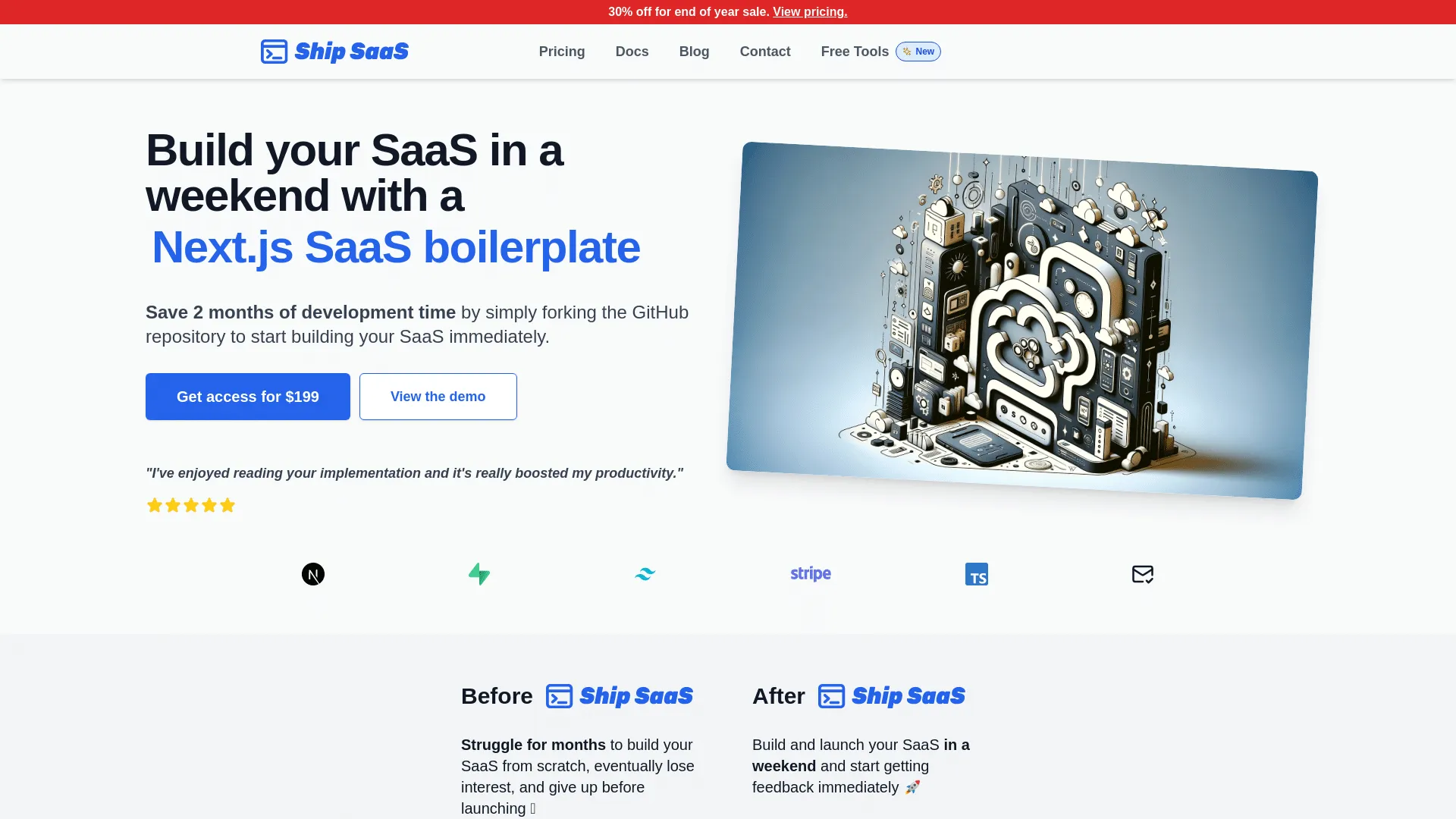


Why Use React.js Boilerplates with Authentication?
Authentication is a critical feature for any SaaS application, and implementing it from scratch can take weeks. Boilerplates with authentication provide secure, production-ready authentication systems including user registration, login, password reset, email verification, and session management. This saves significant development time and ensures security best practices are followed.
Combining React.js with authentication provides a powerful foundation for building modern SaaS applications. React.js offers excellent performance and developer experience, while authenticationprovides essential functionality that would take weeks or months to implement from scratch. If you're exploring React.js boilerplates in general, check out our best React.js boilerplates page for a comprehensive overview.
What to Look For
When selecting a boilerplate with authentication, prioritize secure password hashing, email verification, password reset flows, session management, social login options (Google, GitHub, etc.), and two-factor authentication support. The best authentication boilerplates include proper security measures, role-based access control, and comprehensive documentation.
Additionally, ensure the boilerplate uses the latest React.js features and follows best practices. Look for active maintenance, regular updates, comprehensive documentation, and positive community feedback. The best boilerplates combine React.jsbest practices with robust authentication implementation. For more information about boilerplates with authentication, see our boilerplates with authentication page.
Benefits
| Benefit | Description |
|---|---|
Secure authentication | Production-ready security practices |
User management | Complete user registration and login flows |
Session handling | Proper session management and security |
Social login | Optional OAuth integration |
Time savings | Skip weeks of authentication development |
Security best practices | Built-in protection against common vulnerabilities |
Getting Started
Getting started with a React.js boilerplate that includes authenticationis straightforward. Most modern boilerplates come with comprehensive setup instructions and documentation. Here's a typical workflow to get you up and running quickly:
- Choose Your Boilerplate: Review the available options above, comparing features, pricing, and community support. Consider your specific requirements and budget.
- Installation: After purchasing, download the boilerplate and install dependencies using the package manager (npm, yarn, or pnpm). Most boilerplates include a setup script to automate initial configuration.
- Configuration: Set up your environment variables, including API keys for authentication. Most boilerplates include example environment files to guide you through this process.
- Database Setup: Configure your database connection and run migrations if required. Many boilerplates include database seeding scripts to populate initial data.
- Customization: Start customizing the boilerplate to match your brand and requirements. This includes updating colors, fonts, logos, and adding your unique features.
- Testing: Run the test suite to ensure everything works correctly, then start building your unique features on top of the solid foundation.
The best React.js boilerplates with authenticationinclude detailed documentation, video tutorials, and active community support to help you succeed.
Common Use Cases
React.js boilerplates with authentication are ideal for various types of applications and business models. Here are some common scenarios where this combination excels:
- SaaS Applications: Building subscription-based software services that require authentication functionality. The combination of React.js and authenticationprovides a solid foundation for scalable SaaS products.
- Marketplace Platforms: Creating multi-vendor marketplaces or platforms that need authentication integration. These boilerplates often include the necessary infrastructure for handling complex business logic.
- Content Management Systems: Building custom CMS solutions with authentication features. Perfect for content creators and publishers who need specialized functionality.
- E-commerce Platforms: Developing online stores and e-commerce solutions that leverage authentication for enhanced functionality and user experience.
- B2B Applications: Creating business-to-business tools and platforms that require authentication integration for enterprise-level features and compliance.
- Startup MVPs: Rapidly prototyping and launching minimum viable products with authentication capabilities. These boilerplates help startups validate ideas quickly without building everything from scratch.
The flexibility of React.js combined with the power of authenticationmakes these boilerplates suitable for a wide range of applications, from simple tools to complex enterprise solutions.
Best Practices
When working with React.js boilerplates that include authentication, following best practices ensures you build a maintainable, scalable, and secure application. Here are key recommendations:
Security First
Always review and update security configurations, especially for authenticationintegration. Keep dependencies up to date, use environment variables for sensitive data, and follow React.js security best practices. Regularly audit your code for potential vulnerabilities.
Code Organization
Maintain clean, organized code structure. Follow the boilerplate's conventions and extend them consistently. Keep authentication-related code in dedicated modules or directories for better maintainability.
Testing Strategy
Implement comprehensive testing for authentication functionality. Write unit tests, integration tests, and end-to-end tests to ensure reliability. Test edge cases and error handling scenarios.
Performance Optimization
Optimize your React.js application for performance. Use React.jsbuilt-in optimization features, implement proper caching strategies, and monitor authenticationperformance metrics. Consider code splitting and lazy loading for better initial load times.
Documentation
Document your customizations and extensions to authenticationfunctionality. This helps team members understand the codebase and makes future maintenance easier. Keep documentation updated as you add features.
Regular Updates
Stay updated with React.js releases and authenticationupdates. Regularly update dependencies, review changelogs, and test updates in a development environment before deploying to production.
FAQ
Why choose a React.js boilerplate with authentication?
A React.js boilerplate with authenticationsaves weeks or months of development time by providing pre-configured authenticationintegration. This combination gives you a production-ready foundation that follows best practices and allows you to focus on building unique features rather than infrastructure.
How do I get started with a React.js boilerplate with authentication?
Purchase and download the boilerplate, install dependencies, configure environment variables, and follow the setup documentation. Most boilerplates include detailed guides for configuringauthentication. Once configured, you can start customizing the design and adding your unique features.
Can I customize the authentication implementation?
Yes, boilerplates provide full access to the code, allowing you to customize the authenticationimplementation to match your specific needs. You can modify configurations, add features, and adapt the implementation as your application grows.
What's the typical pricing range for React.js boilerplates with authentication?
Pricing varies depending on the boilerplate's features, support level, and licensing model. Most React.js boilerplates with authenticationrange from free (open-source) to $500+ for premium options. Many offer lifetime licenses, which can be cost-effective for long-term projects. Consider the value of time saved versus the purchase price when making your decision.
Do these boilerplates include support and updates?
Most premium boilerplates include documentation, email support, and regular updates. Some offer lifetime updates, while others provide updates for a specific period (e.g., one year). Open-source boilerplates typically rely on community support. Check each boilerplate's support policy before purchasing to ensure it meets your needs.
How long does it take to set up a React.js boilerplate with authentication?
Setup time varies, but most well-documented boilerplates can be running locally within 30 minutes to 2 hours. This includes installing dependencies, configuring environment variables, setting up the database, and running initial migrations. More complex setups or custom configurations may take longer. The best boilerplates include step-by-step guides to minimize setup time.
Can I use these boilerplates for commercial projects?
Most boilerplates allow commercial use, but licensing terms vary. Some require a commercial license for commercial projects, while others are free for any use. Always review the license agreement before using a boilerplate commercially. Premium boilerplates typically include commercial licenses in their pricing.
Are these boilerplates suitable for production use?
Yes, reputable React.js boilerplates with authenticationare designed for production use. They include security best practices, error handling, and production-ready configurations. However, you should always review the code, run security audits, and test thoroughly before deploying to production. Look for boilerplates with active maintenance and positive user reviews.
What if I need to migrate from another framework or boilerplate?
Migration depends on your current setup. If you're migrating from another React.jsboilerplate, the process is usually straightforward - you can often reuse your database schema and business logic. Migrating from a different framework requires more work, as you'll need to rewrite framework-specific code. Some boilerplates offer migration guides or services to help with this process.
How do I choose between different React.js boilerplates with authentication?
Compare features, pricing, documentation quality, community support, update frequency, and user reviews. Consider your specific requirements: Do you need certain features? What's your budget? How important is ongoing support? Review the code quality if possible, and check if the boilerplate follows React.js and authentication best practices. Many developers find it helpful to test a few options before committing.