Best Next.js Boilerplates with Tailwind CSS


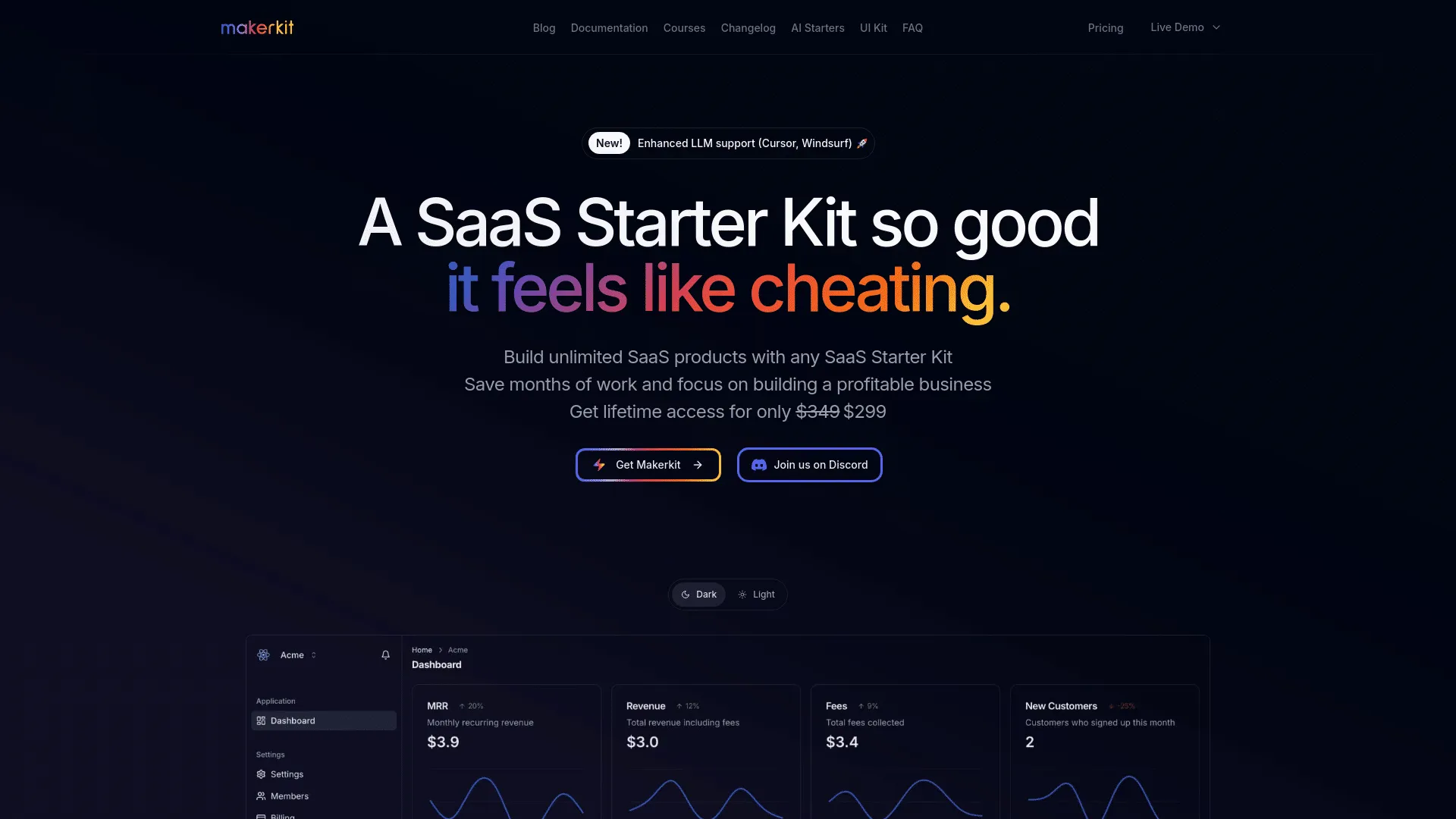

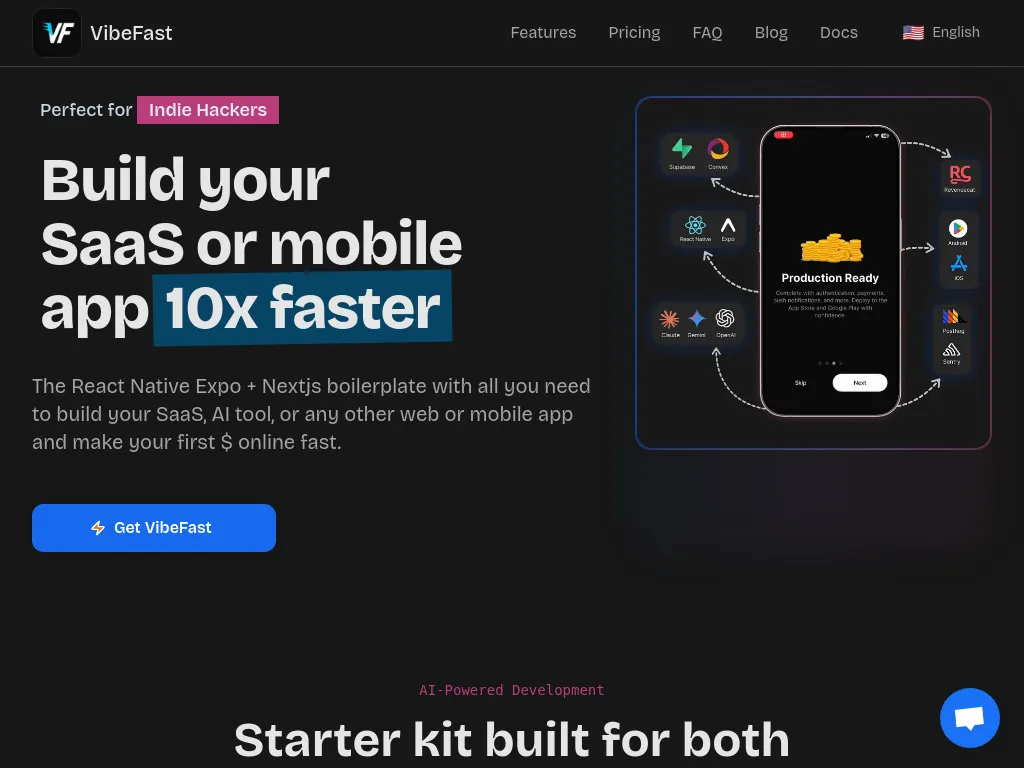






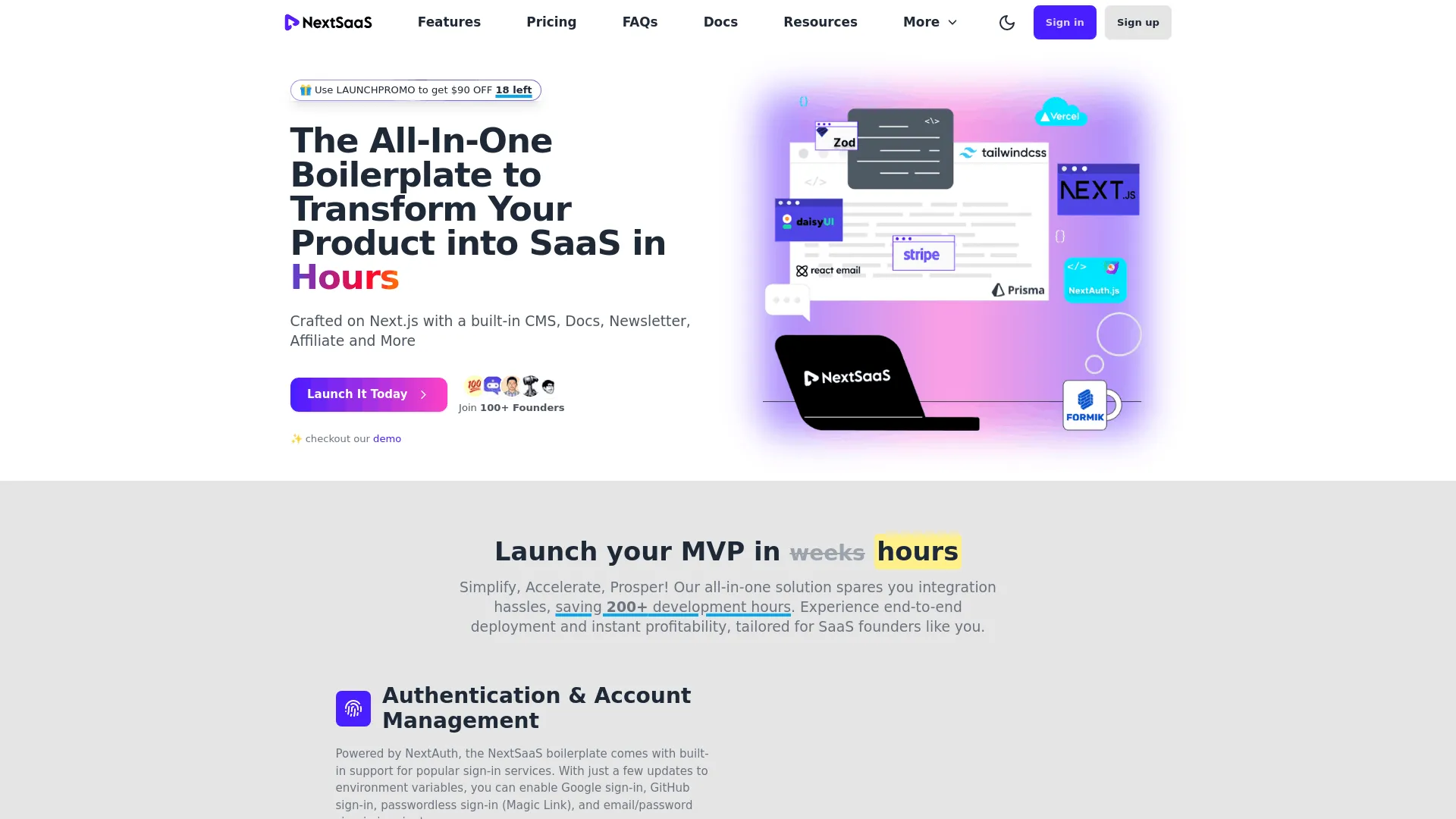

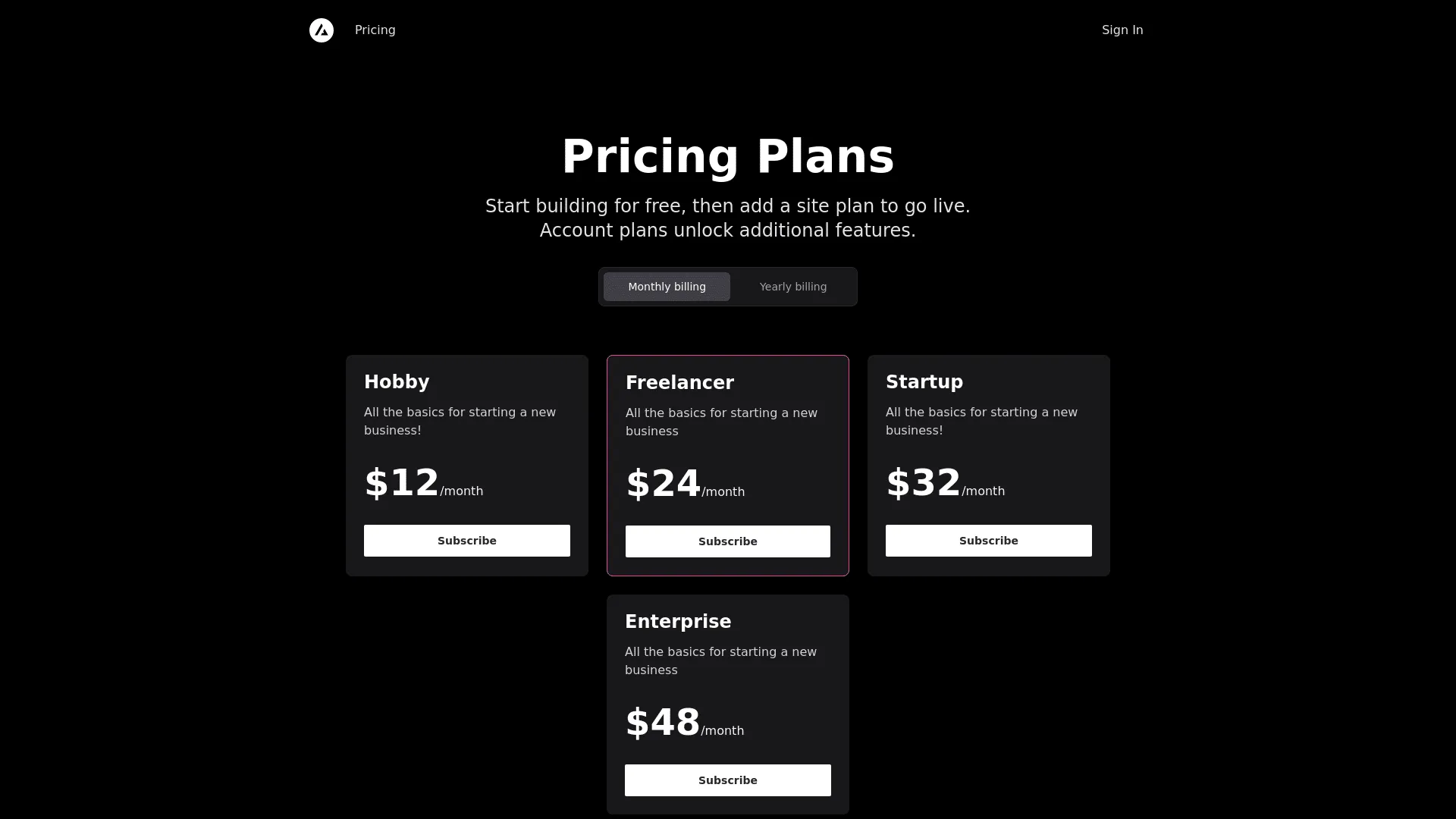

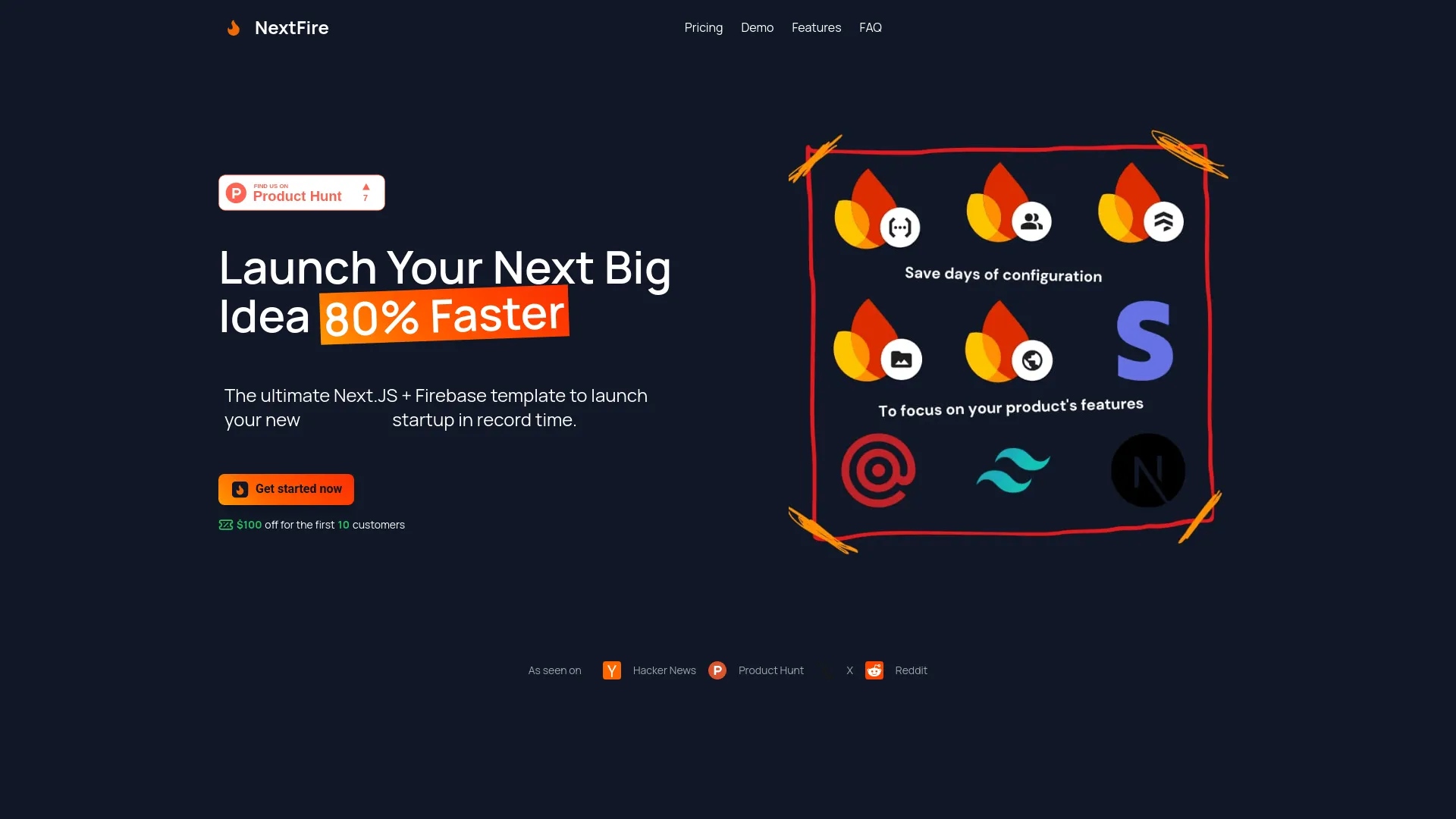
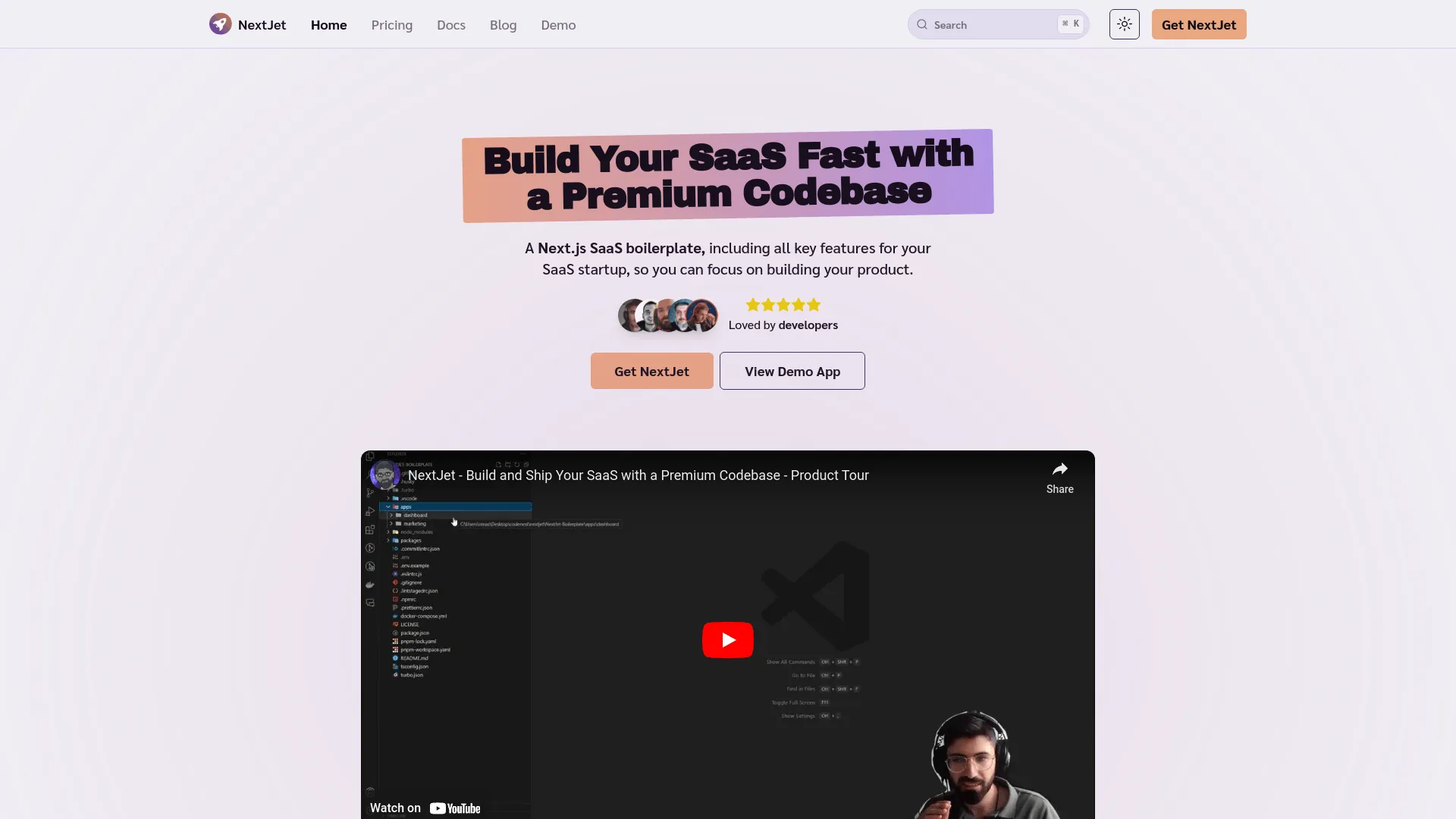

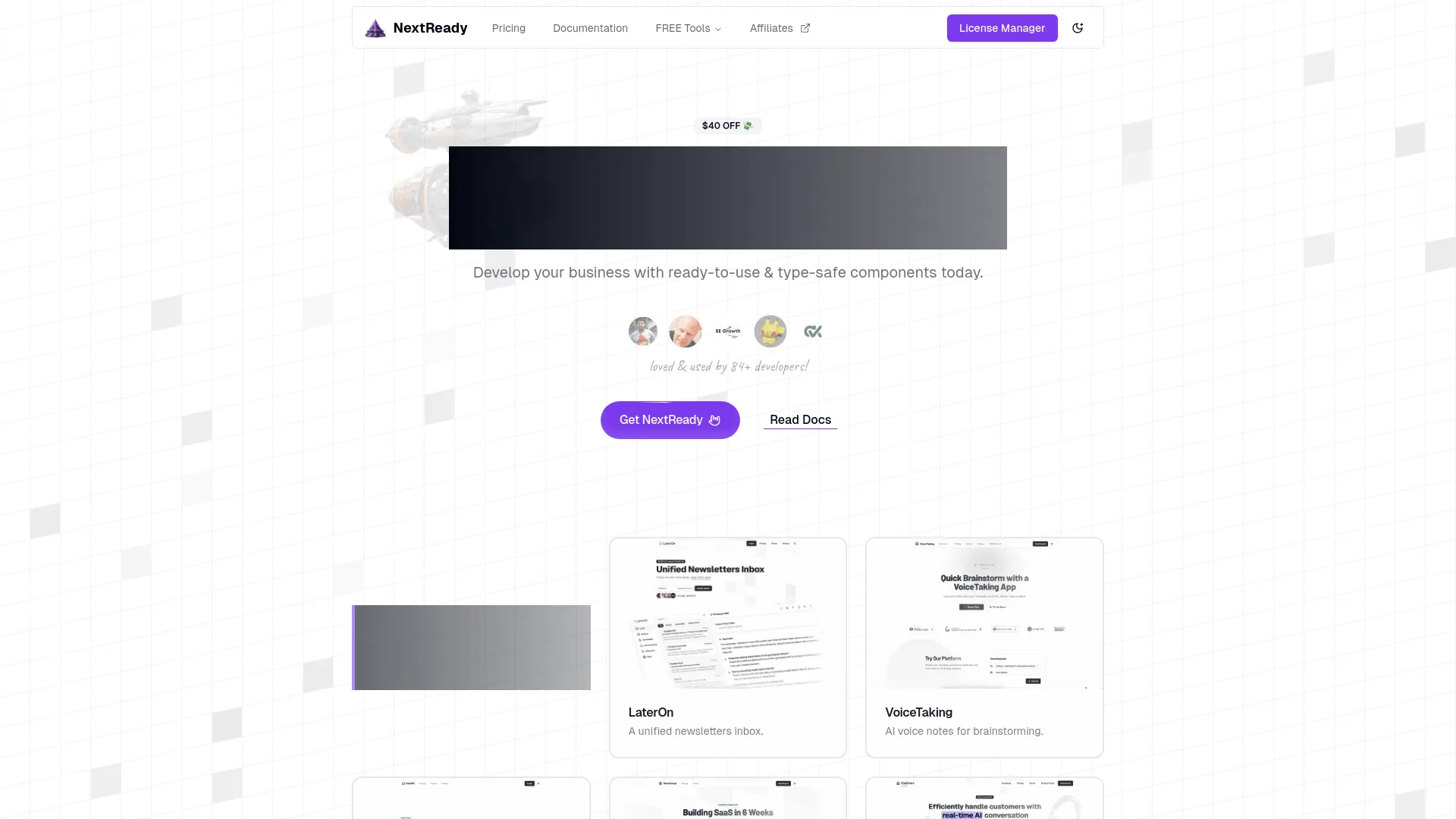


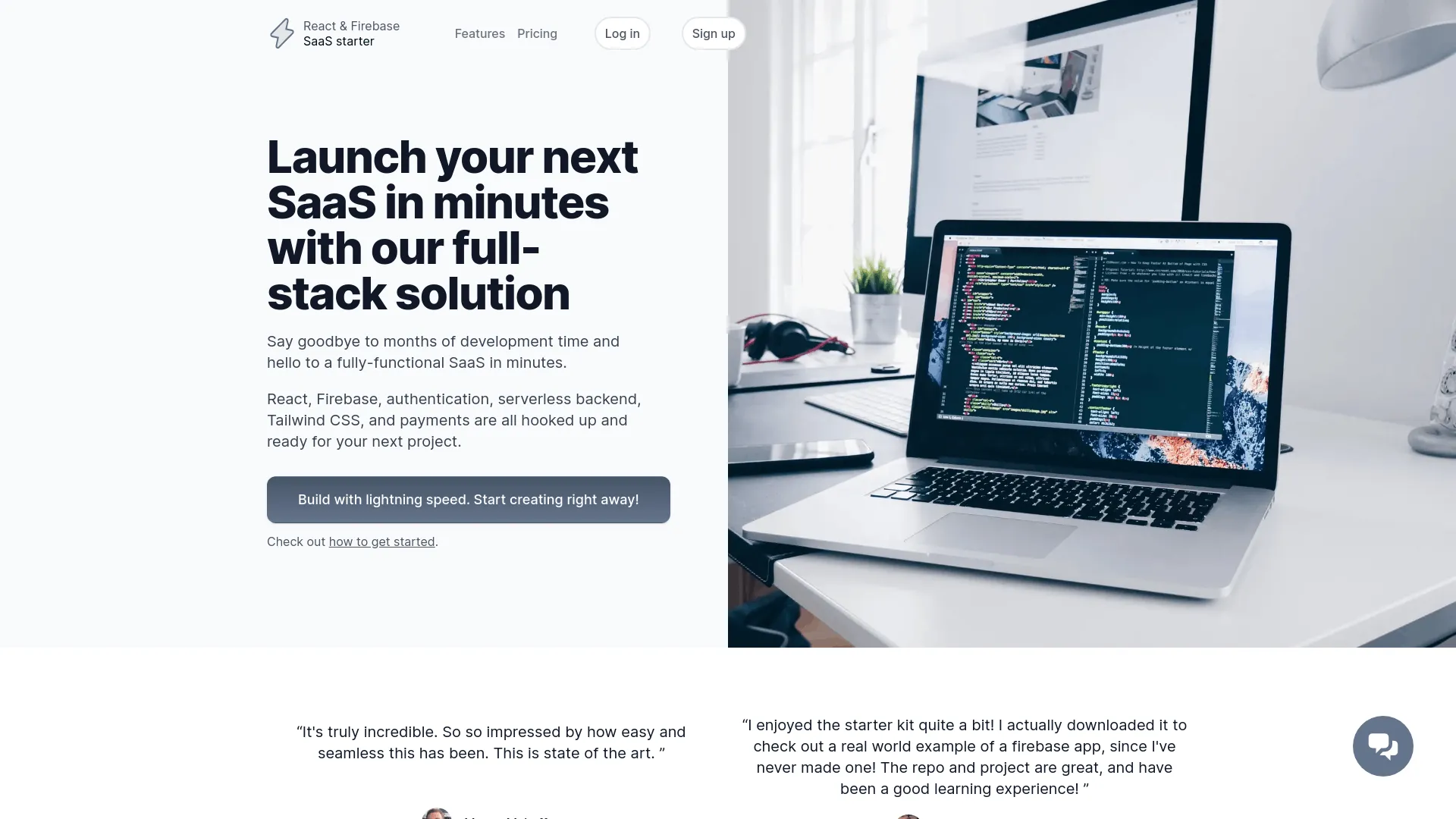




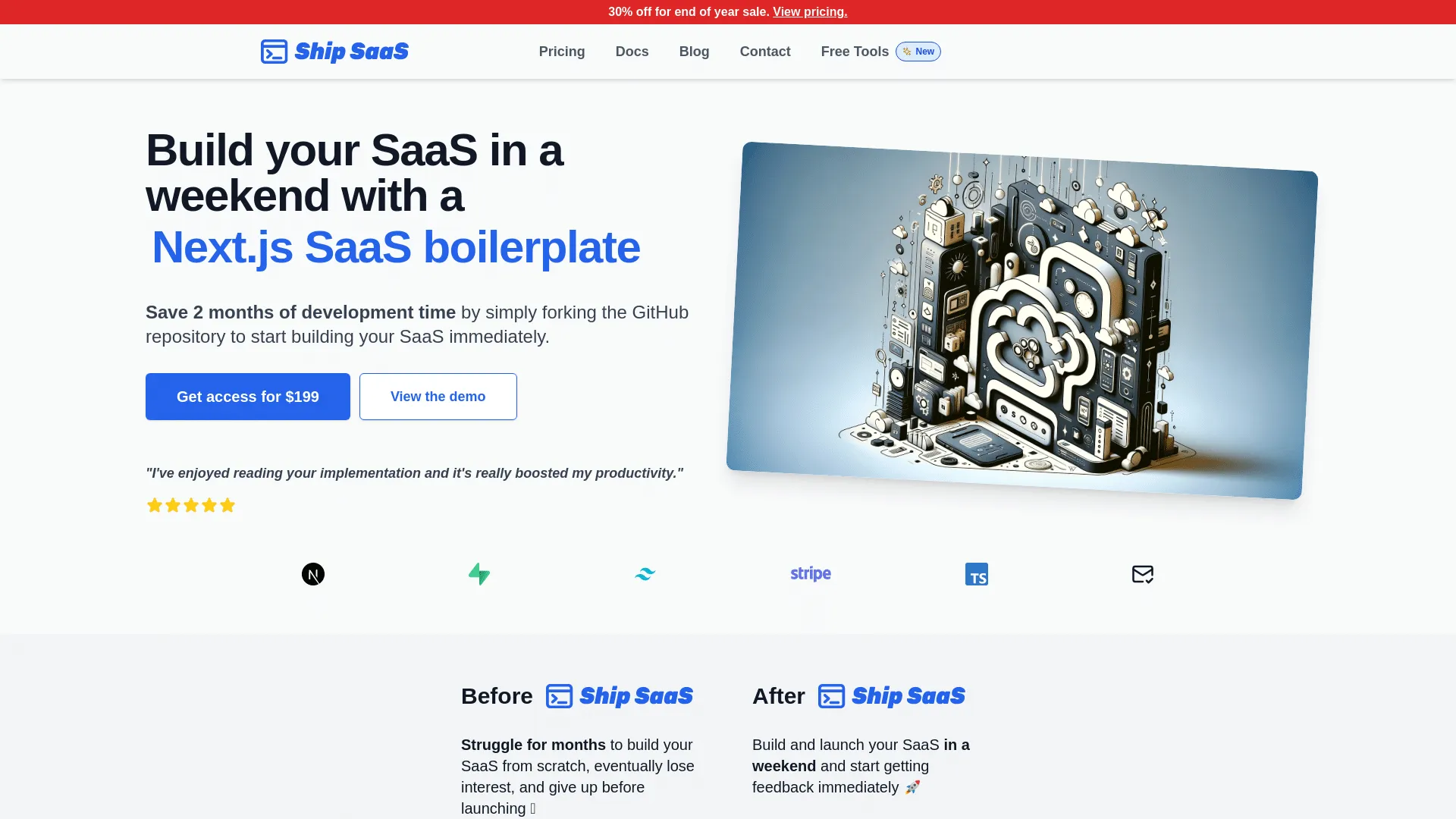


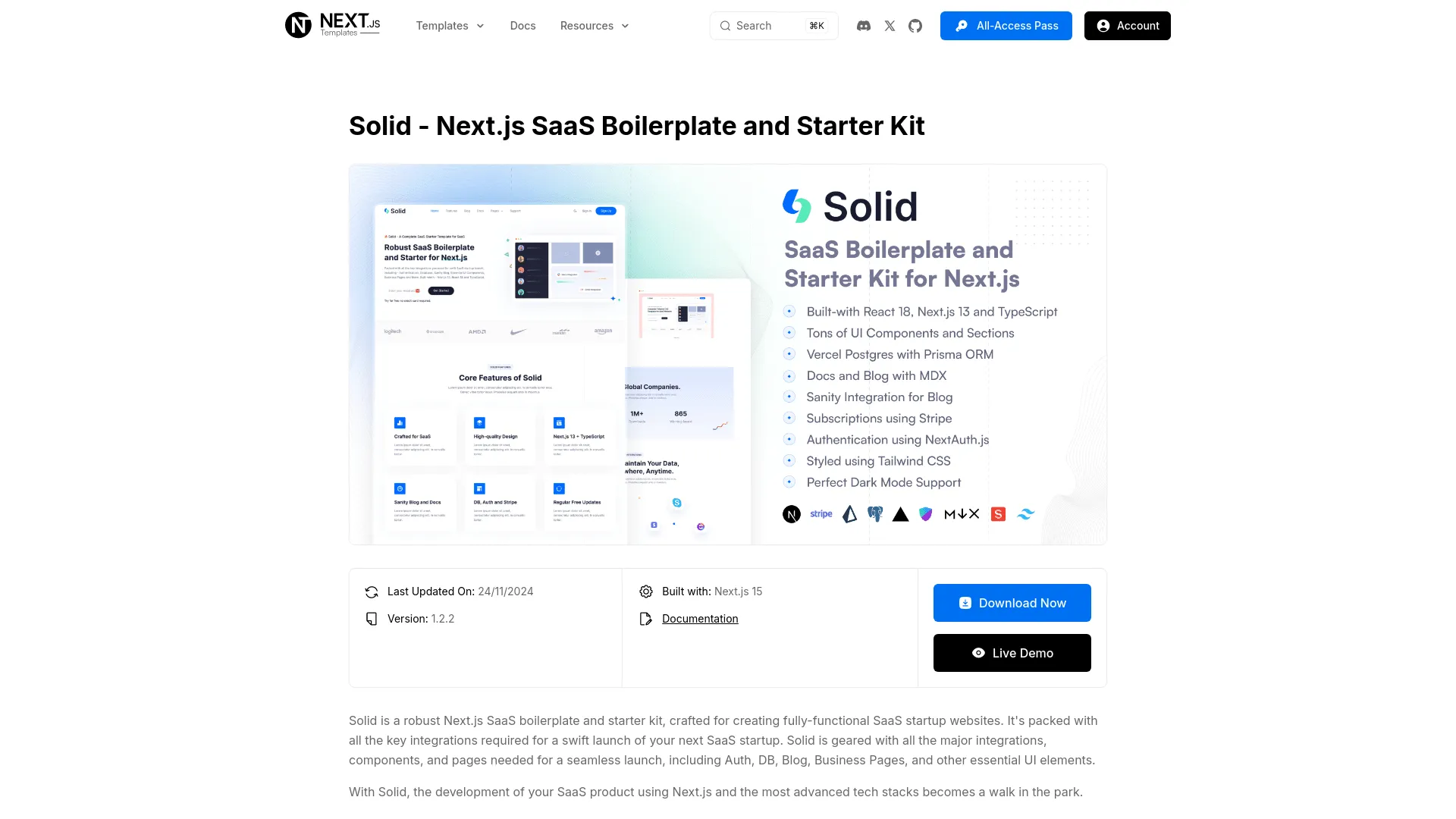
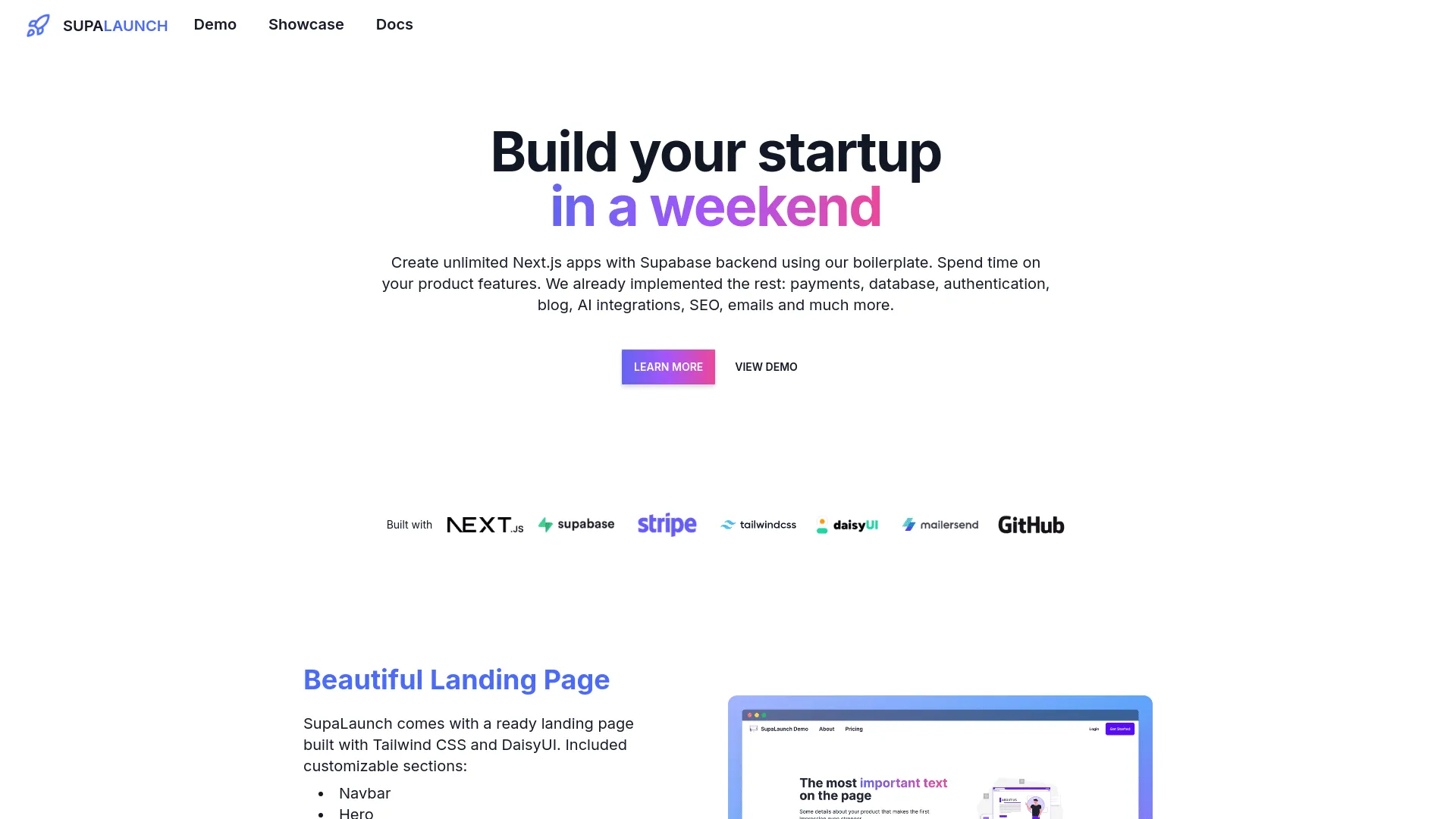
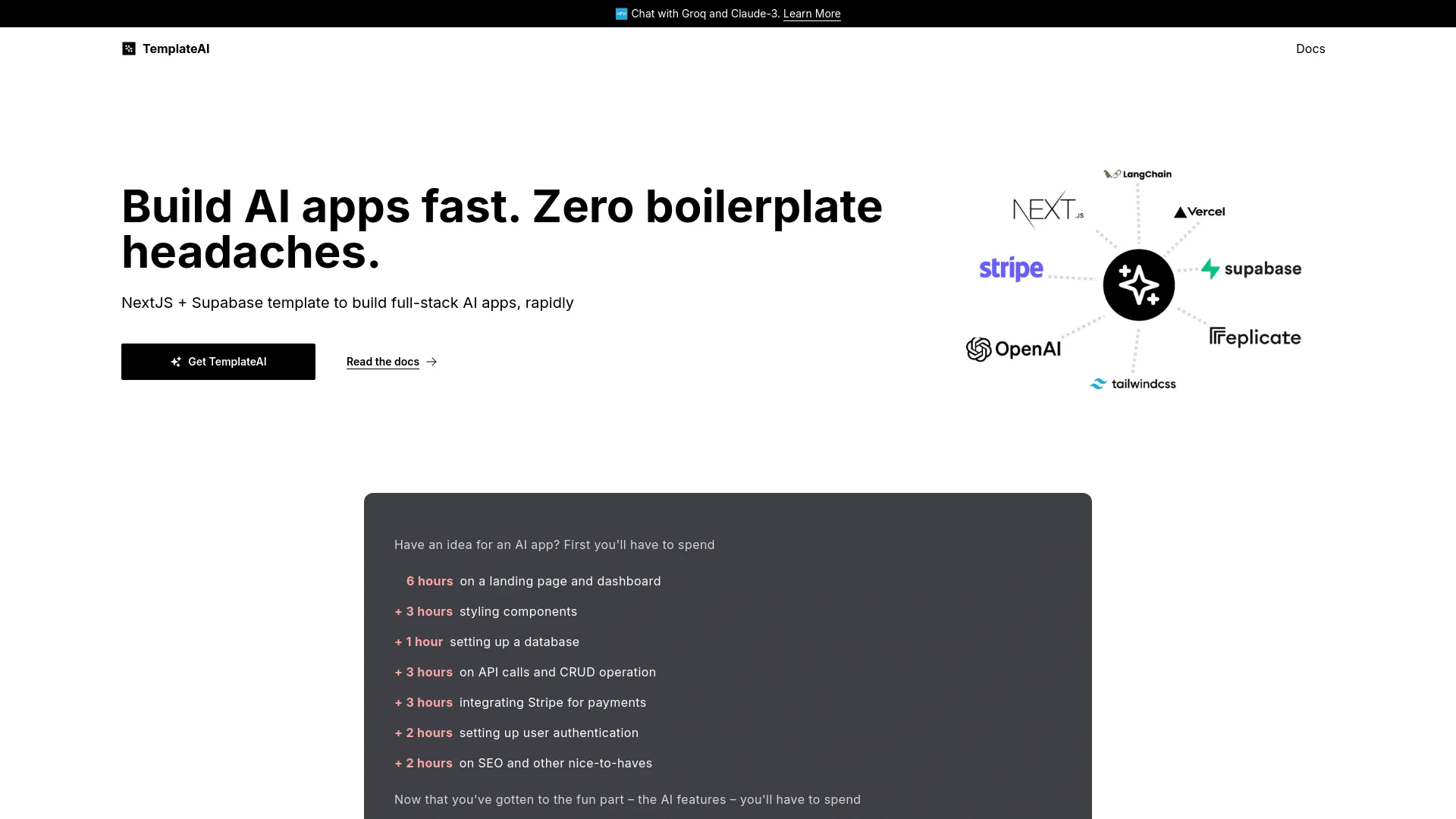


Why Use Next.js Boilerplates with Tailwind CSS?
Tailwind CSS is a utility-first CSS framework that enables rapid UI development with consistent design systems. Boilerplates with Tailwind CSS provide pre-styled components, responsive layouts, and modern design patterns that save weeks of CSS development. Tailwind's utility classes make it easy to customize designs without writing custom CSS.
Combining Next.js with tailwind css provides a powerful foundation for building modern SaaS applications. Next.js offers excellent performance and developer experience, while tailwind cssprovides essential UI components and styling that would take weeks or months to implement from scratch. If you're exploring Next.js boilerplates in general, check out our best Next.js boilerplates page for a comprehensive overview.
What to Look For
When selecting a boilerplate with Tailwind CSS, look for proper Tailwind configuration, responsive design patterns, dark mode support, custom component libraries, and consistent design systems. The best Tailwind boilerplates include well-organized utility classes, responsive breakpoints, and modern UI components.
Additionally, ensure the boilerplate uses the latest Next.js features and follows best practices. Look for active maintenance, regular updates, comprehensive documentation, and positive community feedback. The best boilerplates combine Next.jsbest practices with robust tailwind css implementation. Learn more about Tailwind CSS and its benefits on our Tailwind CSS page.
Benefits
| Benefit | Description |
|---|---|
Rapid UI development | Build interfaces faster with utility classes |
Consistent design | Pre-built design system and components |
Responsive design | Mobile-first responsive layouts |
Customizable | Easy to customize colors, spacing, and typography |
Time savings | Skip weeks of CSS development |
Modern design | Contemporary UI patterns and components |
Getting Started
Getting started with a Next.js boilerplate that includes tailwind cssis straightforward. Most modern boilerplates come with comprehensive setup instructions and documentation. Here's a typical workflow to get you up and running quickly:
- Choose Your Boilerplate: Review the available options above, comparing features, pricing, and community support. Consider your specific UI requirements and design preferences.
- Installation: After purchasing, download the boilerplate and install dependencies using the package manager (npm, yarn, or pnpm). Most boilerplates include a setup script to automate initial configuration.
- UI Library Setup: Configure tailwind cssaccording to the boilerplate's documentation. This may include theme configuration, component installation, or styling setup depending on the UI library.
- Environment Configuration: Set up your environment variables and configuration files. Many boilerplates include example environment files to guide you through this process.
- Customization: Start customizing the UI to match your brand. This includes updating colors, typography, spacing, and component styles. Tailwind CSSmakes customization straightforward.
- Component Development: Begin building your application using the pre-built tailwind css components. Extend and customize components as needed for your specific requirements.
The best Next.js boilerplates with tailwind cssinclude detailed documentation, design system guidelines, and component examples to help you build beautiful, consistent interfaces quickly.
Common Use Cases
Next.js boilerplates with tailwind css are ideal for various types of applications that require modern, polished user interfaces. Here are some common scenarios where this combination excels:
- SaaS Dashboards: Building admin panels and user dashboards with tailwind css provides a professional, consistent interface. The combination of Next.js and tailwind cssenables rapid development of complex dashboard interfaces.
- Marketing Websites: Creating landing pages, marketing sites, and promotional pages with tailwind css ensures a modern, responsive design that works across all devices.
- E-commerce Platforms: Developing online stores withtailwind css components provides a cohesive shopping experience with consistent UI patterns and responsive design.
- Content Management Systems: Building CMS interfaces with tailwind css offers intuitive content editing experiences and consistent design patterns throughout the application.
- Data Visualization Tools: Creating analytics dashboards and data visualization interfaces benefits from tailwind css's component library and design consistency.
- Mobile-Responsive Applications: Building applications that work seamlessly across desktop, tablet, and mobile devices. tailwind csscomponents are typically designed with responsive design principles in mind.
The flexibility of Next.js combined with the comprehensive component library of tailwind css makes these boilerplates suitable for a wide range of UI-intensive applications, from simple websites to complex enterprise interfaces.
Best Practices
When working with Next.js boilerplates that include tailwind css, following best practices ensures you build a maintainable, scalable, and beautiful application. Here are key recommendations:
Design System Consistency
Maintain consistency by following tailwind css's design system and component patterns. Use the provided design tokens (colors, spacing, typography) consistently throughout your application. This creates a cohesive user experience and reduces design decisions.
Component Composition
Leverage tailwind css's component composition patterns. Build complex interfaces by combining smaller components rather than creating monolithic components. This improves reusability and maintainability.
Responsive Design
Ensure all components and layouts are responsive. Test your application on various screen sizes and devices. tailwind css components typically include responsive design, but always verify and customize as needed for your specific requirements.
Accessibility
Follow accessibility best practices when using tailwind csscomponents. Many components include built-in accessibility features, but always test with screen readers and keyboard navigation. Ensure proper ARIA labels and semantic HTML.
Performance Optimization
Optimize your Next.js application for performance. Use code splitting, lazy loading, and Next.js optimization features. Minimize bundle size by importing only the tailwind css components you need.
Customization Strategy
When customizing tailwind css components, maintain the ability to receive updates. Use theme configuration and CSS variables when possible rather than directly modifying component source code. This makes updates easier and maintains compatibility.
FAQ
Why choose a Next.js boilerplate with tailwind css?
A Next.js boilerplate with tailwind csssaves weeks or months of development time by providing pre-configured tailwind cssintegration. This combination gives you a production-ready foundation that follows best practices and allows you to focus on building unique features rather than UI infrastructure.
How do I get started with a Next.js boilerplate with tailwind css?
Purchase and download the boilerplate, install dependencies, configure environment variables, and follow the setup documentation. Most boilerplates include detailed guides for configuringtailwind css. Once configured, you can start customizing the design and adding your unique features.
Can I customize the tailwind css implementation?
Yes, boilerplates provide full access to the code, allowing you to customize the tailwind cssimplementation to match your specific needs. You can modify components, styles, themes, and adapt the implementation as your application grows.
What's the typical pricing range for Next.js boilerplates with tailwind css?
Pricing varies depending on the boilerplate's features, support level, and licensing model. Most Next.js boilerplates with tailwind cssrange from free (open-source) to $500+ for premium options. Many offer lifetime licenses, which can be cost-effective for long-term projects. Consider the value of time saved versus the purchase price when making your decision.
Do these boilerplates include design files or Figma templates?
Some premium boilerplates include Figma design files or design system documentation that matches the tailwind css implementation. This helps designers and developers collaborate more effectively. Check each boilerplate's features to see if design files are included. Even without design files, tailwind css provides a solid foundation for building beautiful interfaces.
How long does it take to customize the UI to match my brand?
Customization time depends on the extent of changes and your familiarity with tailwind css. Basic customization (colors, fonts, logos) typically takes a few hours to a day. More extensive customizations (custom components, layout changes) may take several days. tailwind cssis designed to make customization straightforward, with theme configuration and CSS variables that can be adjusted quickly.
Can I use these boilerplates for commercial projects?
Most boilerplates allow commercial use, but licensing terms vary. Some require a commercial license for commercial projects, while others are free for any use. Always review the license agreement before using a boilerplate commercially. Premium boilerplates typically include commercial licenses in their pricing. tailwind css itself is typically open-source and free to use.
Are tailwind css components accessible and WCAG compliant?
Most tailwind css components are built with accessibility in mind, including proper ARIA attributes, keyboard navigation, and screen reader support. However, accessibility compliance depends on how you implement and customize the components. Always test your application for accessibility and follow WCAG guidelines. Many boilerplates include accessibility best practices in their documentation.
What if I want to switch UI libraries later?
Switching UI libraries requires refactoring your component code, but the business logic andNext.js structure can typically remain the same. The effort depends on how extensively you've used tailwind css components. Some boilerplates offer migration guides or support for multiple UI libraries. Consider your long-term needs when choosing a boilerplate.
How do I choose between different Next.js boilerplates with tailwind css?
Compare features, pricing, documentation quality, community support, update frequency, and user reviews. Consider your specific requirements: Do you need certain components? What's your budget? How important is ongoing support? Review the code quality and design if possible, and check if the boilerplate follows Next.js and tailwind cssbest practices. Many developers find it helpful to test a few options before committing.