
Best Next.js Boilerplates
Browse our curated selection of the best Next.js boilerplates. All listings below have been carefully selected for their exceptional quality, comprehensive features, and outstanding value. These top-rated boilerplates represent the cream of the crop in the Next.js ecosystem.

Shipfast
ShipFast is a full‑stack SaaS and AI boilerplate built on Next.js, designed to help developers launch web applications and subscription-based products quickly. Trusted by over 135,000 users worldwide, it has been used to generate significant revenue and has proven itself as a reliable foundation for building production-ready SaaS products. The boilerplate includes authentication, payment and subscription management via Stripe or LemonSqueezy, database integration, email workflows, multi-tenant support, and prebuilt responsive UI components, along with templates for landing pages, blogs, and marketing content. ShipFast was created by Marc Lou, a renowned indie hacker and Product Hunt award winner, who actively uses the boilerplate to build and scale his own products. Its fully structured architecture, pre-wired SaaS flows, and ready-to-deploy setup allow developers to skip repetitive boilerplate work and focus on their product’s unique features. While it is highly effective for rapid launches, one limitation is that updates are not extremely frequent, which may require manual maintenance to keep dependencies up to date. Overall, ShipFast offers a trusted, widely adopted solution for indie founders, solo developers, and small teams seeking a fast, scalable, and feature-complete boilerplate for launching SaaS or AI-powered web applications.
by Marc Lou

Supastarter
SupaStarter is a top-quality, full-featured SaaS boilerplate designed to accelerate web application development by providing a robust, production-ready foundation. Frequently updated to stay aligned with the latest technologies, SupaStarter is trusted by many successful projects and hundreds of developers worldwide. It seamlessly integrates authentication, role-based access control, team and multi-tenant management, and secure payment and subscription handling with popular providers like Stripe, Lemon Squeezy, and Polar. Supporting modern frontend frameworks such as Next.js and Nuxt 3, with TypeScript, Tailwind CSS, and Radix UI components, it delivers a responsive, customizable interface including dark mode. The backend features fully typed APIs, ORM integration with Prisma or Drizzle, background job support, cron automation, and built-in internationalization (i18n). SupaStarter also includes prebuilt landing pages, marketing pages, legal templates, and email templates, enabling developers to focus on core business logic rather than repetitive setup. With a one-time purchase and scalable architecture, SupaStarter ensures fast, maintainable, and reliable SaaS deployments for MVPs or full-scale applications.
by Jonathan Wilke

Dirstarter
Dirstarter is a full-featured boilerplate built with Next.js (with TypeScript) designed for launching directory-style websites. It gives you a ready-made foundation: authentication and user management, admin panel, listing submission and management, payment integration via Stripe, and monetization options (premium listings, featured spots, ads, affiliate-links, etc.). Beyond that, Dirstarter includes SEO-friendly page structure, support for multiple languages (i18n), and built-in tools for content creation (including AI-powered content generation to help bootstrap listings and categories). On the technical side, Dirstarter leans on a modern, maintainable stack: Next.js, a modern ORM (e.g. Prisma), CSS via Tailwind CSS, and UI components from shadcn/ui / Radix UI which means you’ll get a responsive, customizable UI and a code structure that’s relatively straightforward to work with and extend. The value proposition of Dirstarter is that instead of spending weeks building the backbone of a directory site: user flows, payments, listings DB, admin UI, monetization logic, i18n, SEO - you get a working system out-of-the-box and can focus immediately on content, branding, and growth. For someone building a directory or listing-type website (local businesses, tools marketplace, niche listing directory, etc.), this can significantly reduce time to launch. However, adopting Dirstarter also means accepting its architecture and conventions. It’s opinionated: you're committing to the tech choices (Next.js + Prisma + Tailwind + the integrations Dirstarter bundles). If your project requires a drastically different backend setup, custom data models or unusual flows, you may spend extra effort altering or stripping parts you don’t need. Moreover, because it offers a lot of built-in features (payments, content generation, monetization, i18n, admin, etc.), you may end up with more “surface area” than needed which can complicate maintenance if you only need a simple directory.
by Piotr Kulpinski
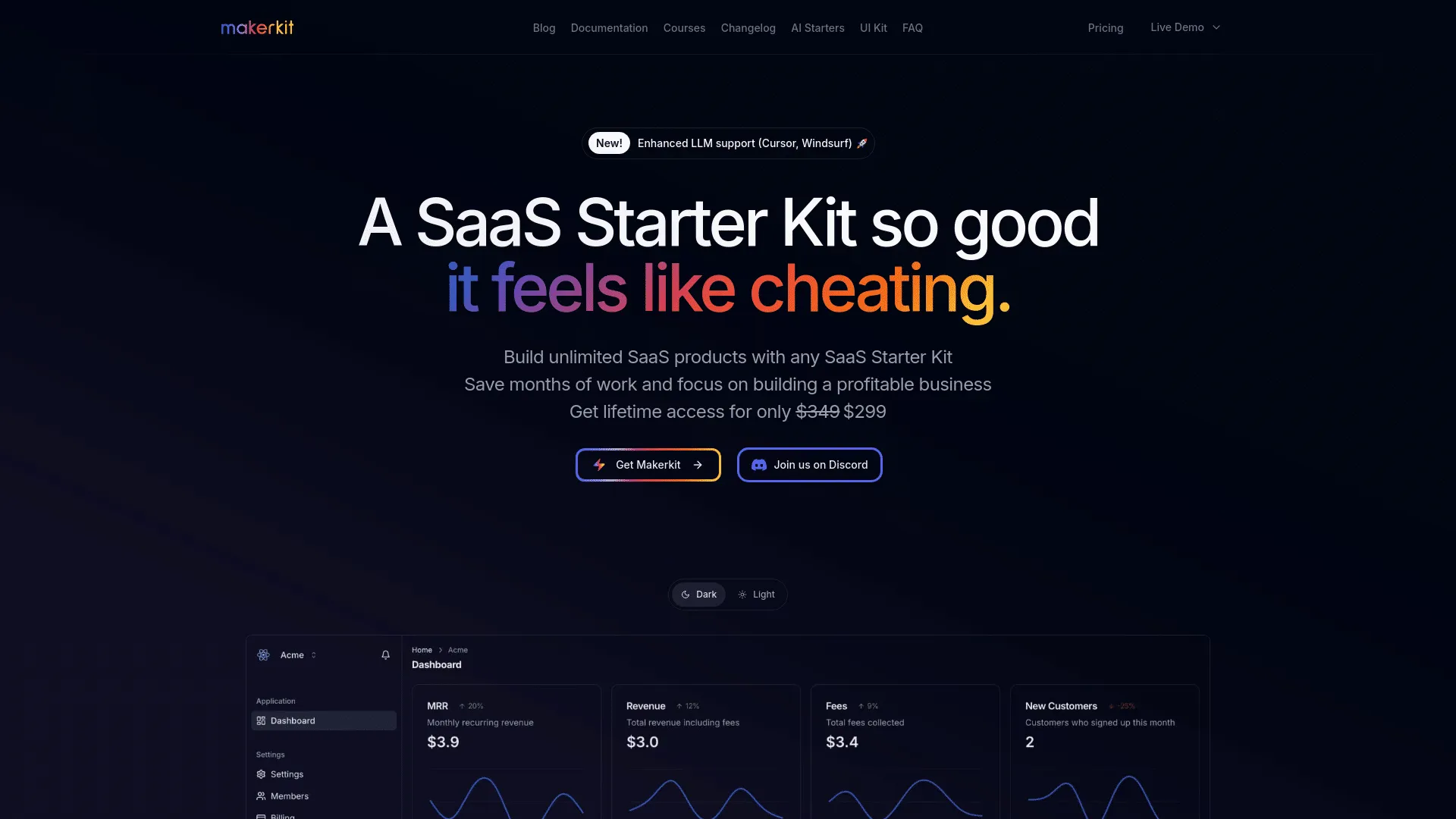
Makerkit
MakerKit is a SaaS‑starter boilerplate built for modern React/Next.js (also supporting Remix/Supabase or Firebase variants) that tries to give you a production‑ready foundation, rather than a barebones template. At its core MakerKit bundles authentication (email, social login, magic‑link, optional MFA), user and team/organization management (multi‑tenancy, roles, invitations), and subscription/billing support via payment providers (Stripe or Lemon Squeezy). The boilerplate comes styled by default using a modern UI stack with Tailwind CSS (and Shadcn/Radix‑based UI components), with light/dark mode and includes UI scaffolding for dashboards, admin panels, marketing pages, blog/documentation pages, and a customizable layout structure. MakerKit aims to reduce the time and effort needed to ship a SaaS: instead of wiring up auth, payments, data layer, UI and common SaaS flows from scratch, you get a working skeleton that you can extend, customize, and build on. This includes also support for serverless or traditional hosting setups, built‑in support for sending stylized transactional emails, and optional plugins/features (like documentation/blog generation, admin dashboards, analytics hooks, and more) to help bootstrap both the product and its public-facing/marketing side.
by Giancarlo Buomprisco
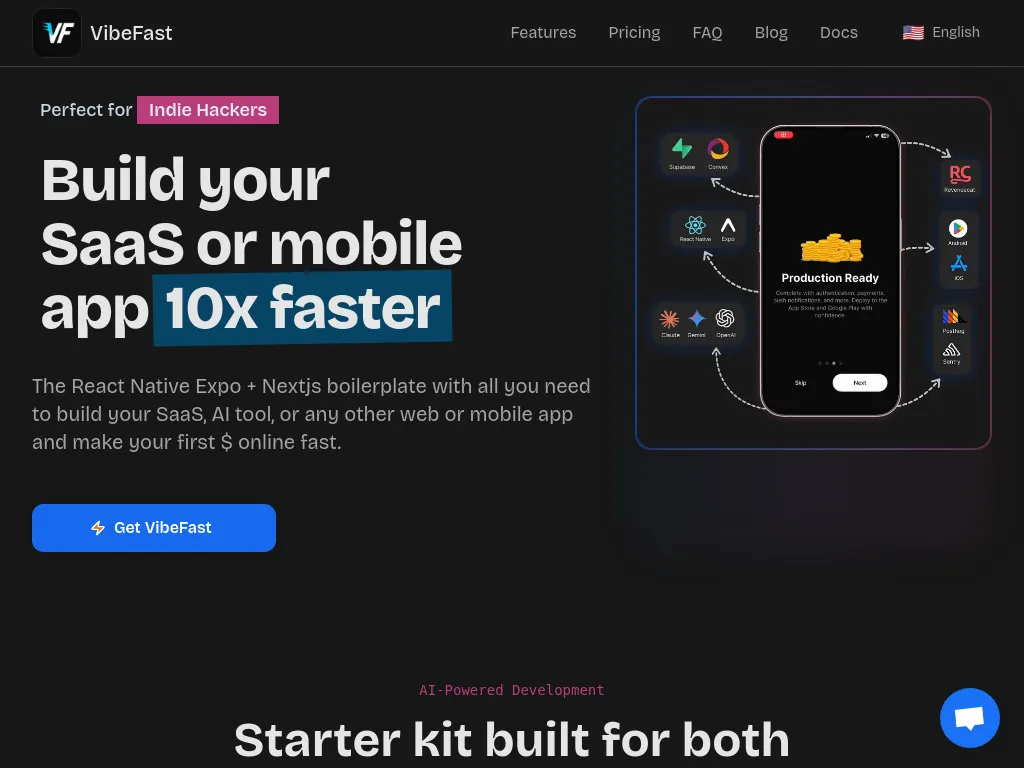
Mobile & Web App Starter kit
VibeFast is a Expo + Next.js + Convex/Supabase starter kit that handles the repetitive setup so you can focus on building the fun parts and drastically cut down development time. It has a CLI, with which you can literally chose the features you need, so your codebase stays clean, and add/remove features anytime. 🧰 What’s inside: ⚙️ Convex/Supabase realtime backend 🔐 Auth (email/OAuth/Guest) 💸 RevenueCat subscriptions/paywall 🤖 AI chatbot, voicebot & wake-word 🖼️ AI Image generation + AI Image analysis 📊 Multiple Charts 🧭 Onboarding + quiz flow 🔔 Push notifications 📱 iOS widget + quick actions 📄 Next.js landing pages + admin + Payments 🛠️ Sentry + PostHog built in Everything lives in one clean monorepo.
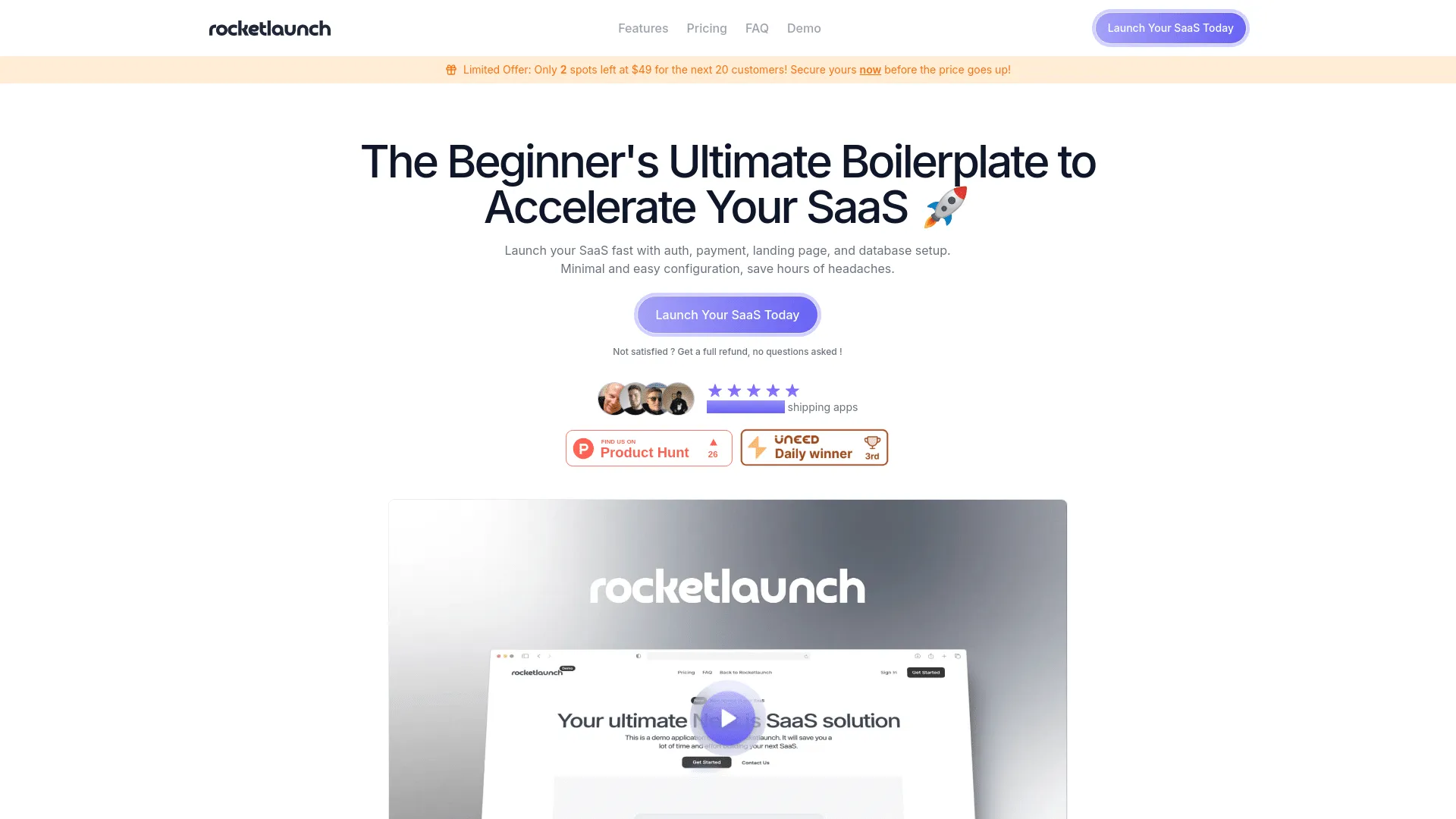
Rocket Launch
Rocketlaunch is a paid SaaS boilerplate built on Next.js + TypeScript + modern web tools. It aims to help developers launch a full SaaS‑style application quickly by providing a pre‑wired foundation covering many of the repetitive parts most apps share. With Rocketlaunch you receive user authentication (via Clerk including email/password, social login, magic‑link, and full user management), subscription and payment support (via Stripe both one‑time and recurring), a backend + database setup (with Prisma + Supabase), and a ready‑to‑use frontend & UI system built with Tailwind CSS and modern UI components. You also get a landing‑page template (for marketing or public presence), account management pages, protected API routes, and a structure that handles many typical SaaS flows authentication, paid subscriptions, user data, and database interactions. The license allows using the boilerplate code for unlimited projects once purchased. Choosing Rocketlaunch means working within its tech stack and architectural decisions: Next.js, Clerk for auth, Supabase/Prisma for database, Stripe for billing, and the provided UI/layout/components system. That makes initial setup faster and removes repetitive boilerplate but also ties you to those tools and decisions, which may limit flexibility if you later want to swap major components. The codebase is more opinionated and potentially heavier than a minimal starter template great for full‑featured SaaS apps, but possibly overkill for simpler projects, prototypes or highly customized apps.
by Samuel Benhamou
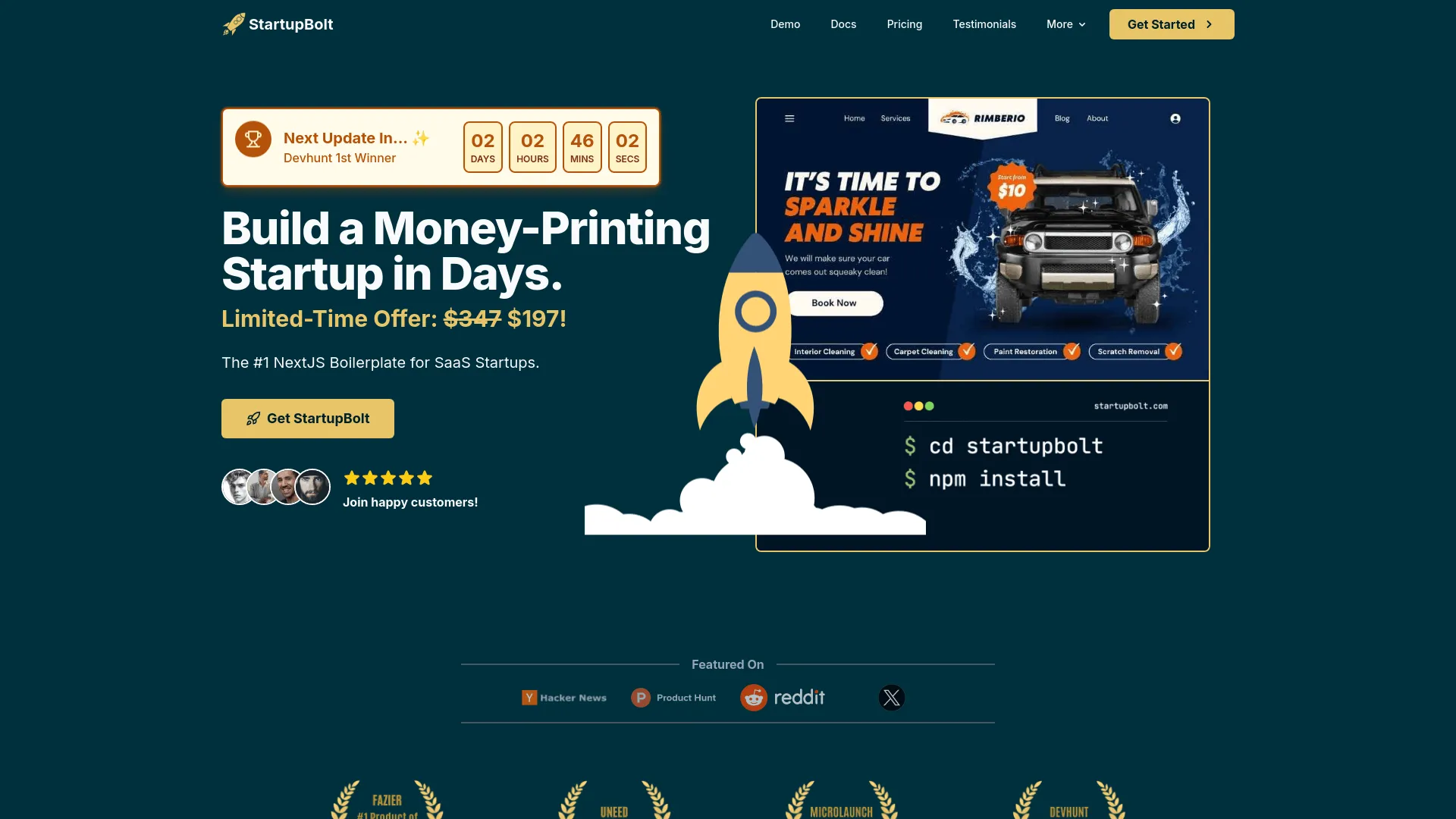
StartupBolt
StartupBolt delivers a comprehensive “SaaS‑ready” foundation: secure authentication (social login, magic‑link, protected routes), database integration, payment/subscription support (via Stripe or LemonSqueezy), user & admin dashboards, content/blog/landing page templates, documentation generator, SEO optimization, theming (light/dark mode) and reusable UI components, so both the public‑facing site and internal panels are ready from day one. StartupBolt also introduces a “credit‑based access” system rather than a simple boolean flag, which can be helpful for AI‑powered apps or usage‑based SaaS enabling flexible monetization models.
by Nifal Adam
What Next.js Boilerplate is Best?
Determining which Next.js boilerplate is best for your project is not a question with a one-size-fits-all answer. The "best" boilerplate depends on your specific needs, budget, technical requirements, and project goals. What works perfectly for one developer or startup might not be the ideal choice for another.
Different Next.js boilerplates excel in different areas. Some prioritize comprehensive features and extensive functionality, while others focus on simplicity and ease of use. Some offer premium support and detailed documentation, while others provide more flexibility for customization. The best choice depends on factors like your development experience, timeline, budget, and specific feature requirements.
To help you make an informed decision, we've prepared a comprehensive comparison table below that highlights the key features of each top-rated Next.js boilerplate. This comparison allows you to quickly see which boilerplates include the features most important to your project, making it easier to identify the best option for your specific needs.
| Feature | |||||||
|---|---|---|---|---|---|---|---|
| Authentication | ✓ | ✓ | ✓ | ✓ | ✓ | ✓ | ✓ |
| Stripe | ✓ | ✓ | ✓ | ✓ | ✓ | ✓ | ✓ |
| Admin Panel | — | — | ✓ | ✓ | ✓ | ✓ | — |
| User Dashboard | — | ✓ | ✓ | ✓ | ✓ | ✓ | ✓ |
| Subscriptions | ✓ | ✓ | ✓ | ✓ | ✓ | ✓ | ✓ |
| Blog | ✓ | ✓ | ✓ | ✓ | ✓ | — | — |
| SEO | ✓ | ✓ | ✓ | ✓ | ✓ | ✓ | ✓ |
| Documentation | ✓ | ✓ | ✓ | ✓ | ✓ | ✓ | ✓ |
| Support | ✓ | ✓ | ✓ | ✓ | — | — | ✓ |
| Tailwind CSS | — | ✓ | ✓ | ✓ | ✓ | ✓ | ✓ |
| API | — | ✓ | — | — | — | — | — |
| CMS | ✓ | — | ✓ | ✓ | — | — | — |
| Actions | Visit Website | Visit Website | Visit Website | Visit Website | Visit Website | Visit Website | Visit Website |
Use this comparison table to identify which Next.js boilerplate includes the features most important to your project. Click on any boilerplate name above to view detailed information and make your final decision.
Why Use the Best Next.js Boilerplates?
The best Next.js boilerplates combine the power of React with server-side rendering, API routes, and modern development practices to create production-ready SaaS applications. These carefully selected boilerplates offer comprehensive features like authentication, payment processing, admin panels, and more, saving you months of development time. Whether you're building a startup, enterprise application, or side project, the best Next.js boilerplates provide a solid foundation that scales with your business.
If you're looking for all Next.js boilerplates, including free and paid options, check out our complete Next.js boilerplates directory.
What to Look For in the Best Next.js Boilerplates
When choosing the best Next.js boilerplate, prioritize projects with Next.js 13+ App Router, TypeScript support, comprehensive authentication (NextAuth.js), database integration (Prisma, Drizzle, or similar), payment processing (Stripe, Paddle), admin panels, and excellent documentation. The best Next.js boilerplates also include SEO optimization, dark mode, responsive design, and deployment guides. Look for active maintenance, regular updates, and positive community feedback.
For a comprehensive comparison of all top-rated boilerplates across different frameworks, visit our best boilerplates directory.
Getting Started with the Best Next.js Boilerplates
To get started with the best Next.js boilerplate, purchase and download the template, set up your development environment, install dependencies, configure environment variables, set up your database, and run the development server. Most best Next.js boilerplates include detailed setup documentation, video tutorials, and example configurations. You'll typically need to configure authentication providers, payment processors, database connections, and API keys. Once configured, customize the design, add your branding, and deploy to Vercel or your preferred hosting platform.
Benefits of the Best Next.js Boilerplates
- ✓Production-ready code - Built with best practices and production-tested patterns
- ✓Time savings - Save months of development time with pre-built features
- ✓Modern stack - Latest Next.js features including App Router and Server Components
- ✓Comprehensive features - Authentication, payments, admin panels, and more included
- ✓Excellent documentation - Detailed guides and tutorials for easy setup
- ✓Active support - Get help when you need it from the boilerplate creators
- ✓Regular updates - Security patches and new features keep your project current
- ✓Scalable architecture - Built to handle growth from startup to enterprise
Common Features in the Best Next.js Boilerplates
Frequently Asked Questions About Best Next.js Boilerplates
What is the best Next.js boilerplate for SaaS?
The best Next.js boilerplate for SaaS depends on your specific needs, but top choices typically include comprehensive authentication, payment processing (Stripe or Paddle), admin panels, user dashboards, and subscription management. Look for boilerplates with production-ready code, active maintenance, good documentation, and features that match your project requirements. Compare the listings above to find one that fits your budget and technical needs.
How much time can a Next.js boilerplate save me?
A quality Next.js boilerplate can save you 2-6 months of development time. Instead of building authentication, payment systems, admin panels, email functionality, and database schemas from scratch, you get these features pre-built and tested. This lets you focus on your unique business logic and ship your product faster. Many developers report launching their MVPs in weeks instead of months.
Are Next.js boilerplates worth the cost?
Yes, Next.js boilerplates are typically worth the investment. If you value your development time at $50-100/hour, a boilerplate that saves you 200+ hours of work pays for itself many times over. Beyond time savings, you get tested code, best practices, security features, and ongoing updates. Most successful SaaS founders consider boilerplates one of their best early investments.
Can I use a Next.js boilerplate for commercial projects?
Yes, most Next.js boilerplates allow commercial use. They typically include licenses that permit building and selling products using the boilerplate code. However, always check the specific license terms before purchasing. Most use single-project or unlimited-project licenses, and some offer source code that you can modify freely for your commercial SaaS products.
What features should the best Next.js boilerplate include?
The best Next.js boilerplates should include: authentication (email/password, OAuth, magic links), payment processing (Stripe, Paddle, or similar), database integration, admin panel, user dashboard, email system, subscription management, role-based access control, API endpoints, and responsive UI. Premium boilerplates often add features like multi-tenancy, team management, analytics, and advanced integrations.
How do I choose between different Next.js boilerplates?
Compare boilerplates based on: included features, documentation quality, update frequency, support responsiveness, tech stack compatibility, pricing, user reviews, and demo availability. Use the comparison table above to evaluate features side-by-side. Consider whether you need specific integrations (payment processors, email providers, hosting platforms) and check if the boilerplate supports them. Read reviews and check for active maintenance before purchasing.
Do Next.js boilerplates include updates and support?
Most Next.js boilerplates include updates for bug fixes and security patches. Premium boilerplates often offer lifetime updates with new features added regularly. Support varies by product—expect email support, documentation, and community access as standard. Premium options may include priority support, private Discord channels, or direct messaging with the creator. Always check the specific support terms before purchase.
Can I customize a Next.js boilerplate for my specific needs?
Yes, Next.js boilerplates are designed to be fully customizable. You get access to all source code, allowing you to modify features, add new functionality, change the UI/UX, integrate additional services, and adapt the code to your specific requirements. The best boilerplates are built with extensibility in mind, making customization straightforward even for developers new to Next.js.
Are there free Next.js boilerplates available?
Yes, there are free Next.js boilerplates available, though they typically offer fewer features and less support than paid options. Free boilerplates are great for learning, prototyping, or small projects, but paid boilerplates usually provide more comprehensive features, better documentation, active support, and regular updates. For serious SaaS projects, investing in a quality paid boilerplate often saves time and headaches in the long run.
How quickly can I launch with a Next.js boilerplate?
With a Next.js boilerplate, you can launch an MVP in 1-4 weeks instead of 2-6 months building from scratch. Setup typically takes a few hours, then you focus on customizing the UI, adding your unique features, and configuring integrations. The exact timeline depends on your experience level, the complexity of your product, and how much customization you need. Many founders ship their first version within days of purchasing a boilerplate.
What's the difference between a Next.js boilerplate and a template?
A Next.js boilerplate includes full backend functionality (authentication, database, APIs, payment processing), while templates typically focus only on UI/frontend design. Boilerplates provide complete, production-ready applications with working features, whereas templates offer design starting points that you'll need to connect to backend services. For building a SaaS product, you want a full-featured boilerplate, not just a visual template.